Claude Code Integration
Route Claude Code through Tarogo AI Gateway.
1. Install Claude Code
macOS requires Node.js (>=18)|Windows requires installing WSL or Git for Windows, run in WSL/Git Bash
bash
npm install -g @anthropic-ai/claude-codeVerify the installation:
bash
claude --version2. Configure Credentials
Edit or create ~/.claude.json (Windows: C:\Users\<username>\.claude.json), set hasCompletedOnboarding to true to skip Anthropic login verification.
Write the corresponding configuration in the env field, adjusting parameters based on your personal Key and available models.
json
{
  "hasCompletedOnboarding": true,
  "env": {
    "ANTHROPIC_BASE_URL": "https://api.tarogo.ai",
    "ANTHROPIC_AUTH_TOKEN": "你的个人Key",
    "ANTHROPIC_MODEL": "qwen3.7-max@aliyun-beijing",
    "ANTHROPIC_DEFAULT_SONNET_MODEL": "deepseek-v4-pro@deepseek",
    "ANTHROPIC_DEFAULT_OPUS_MODEL": "deepseek-v4-flash@deepseek",
    "CLAUDE_CODE_SUBAGENT_MODEL": "qwen3.7-max@aliyun-beijing"
  }
}
3. Start Claude Code
Navigate to your project and start Claude Code:
bash
cd /path/to/my-projectbash
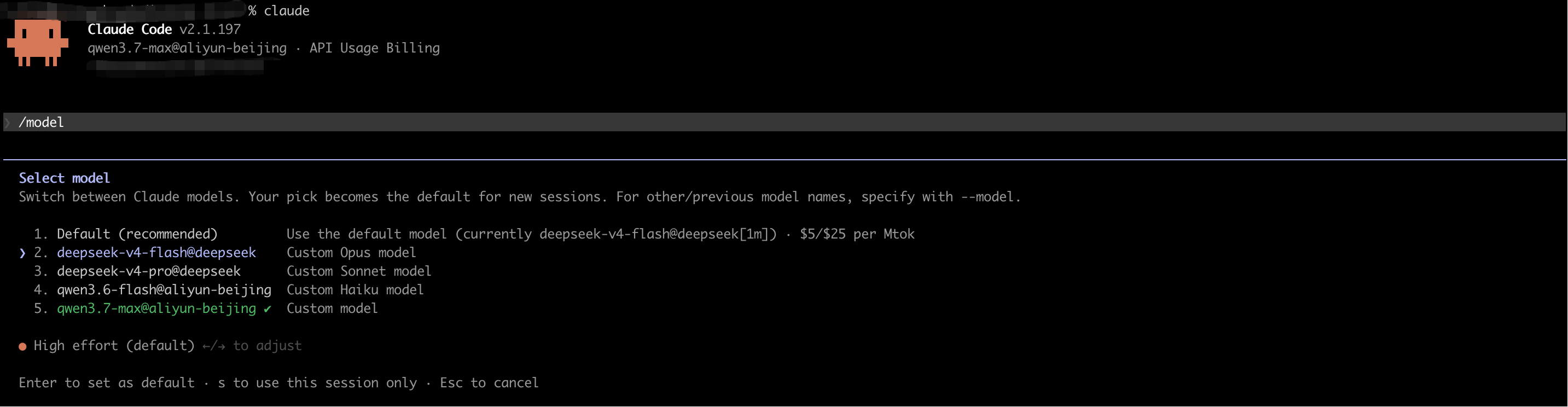
claude4. Switch Model
Use the /model command to switch between different models (e.g., Qwen 3.7 Max, DeepSeek V4, etc.) based on your needs.