
How Team Members Use It
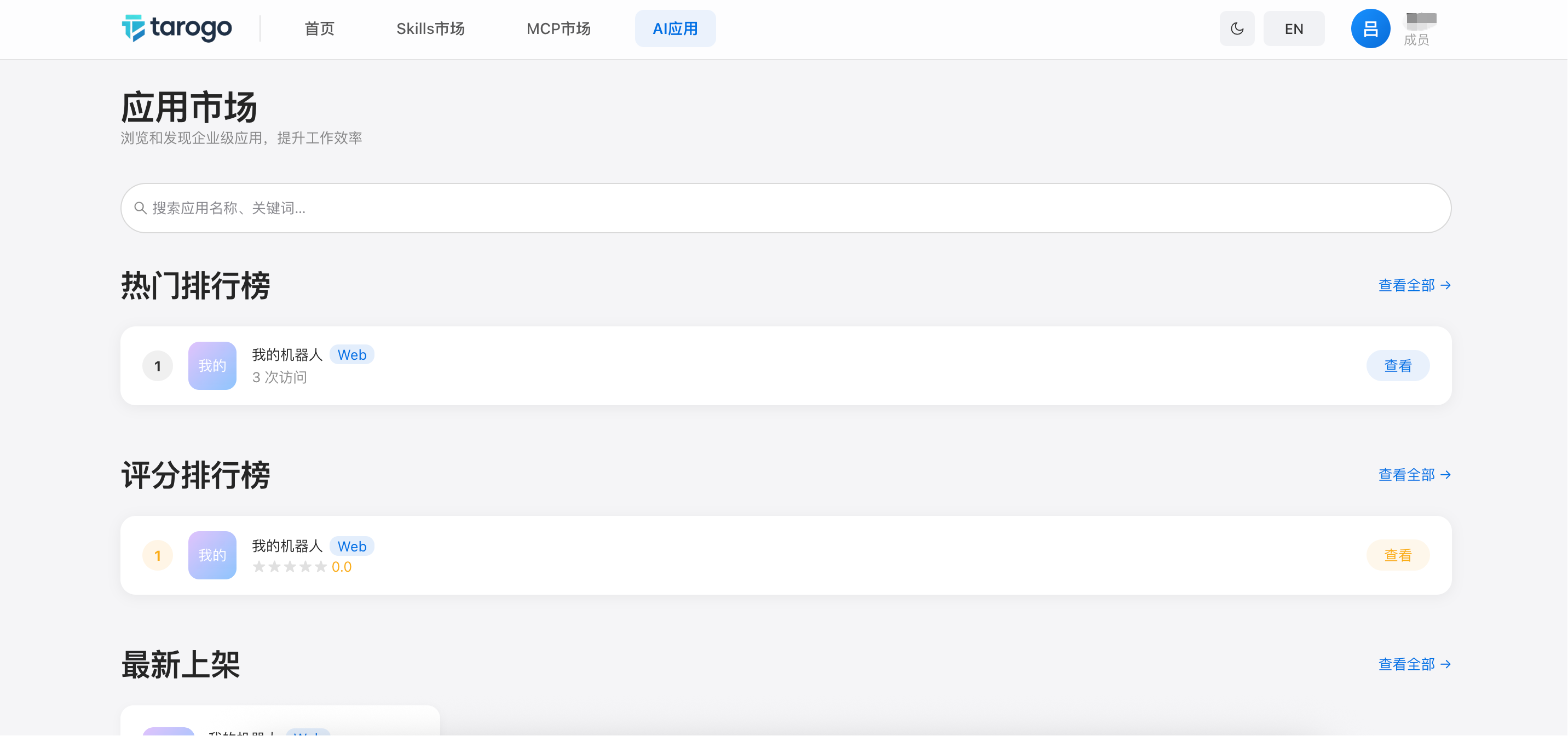
After logging in, team members switch to the "Applications" tab in the navigation bar to browse and use published apps.
How Team Members Use It
1
Enter App Market
- After logging in, click the "Applications" tab in the top navigation. The tab shows the number of available apps. All published apps are displayed as a card grid with icon, name, type tag, and description.
2
Search & Browse
- Use the search bar at the top to quickly locate apps by name, code, or description keywords. Each app card displays the name and download count to help you gauge popularity.
3
Using Apps
Web Apps
Click the app card. The system opens the app's website URL in a new tab — use it directly.
Desktop Apps
Click the app card. The system opens the app's download or website URL.
Mobile Apps
Click the app card. The system opens the app's download or website URL.
Enter App Market